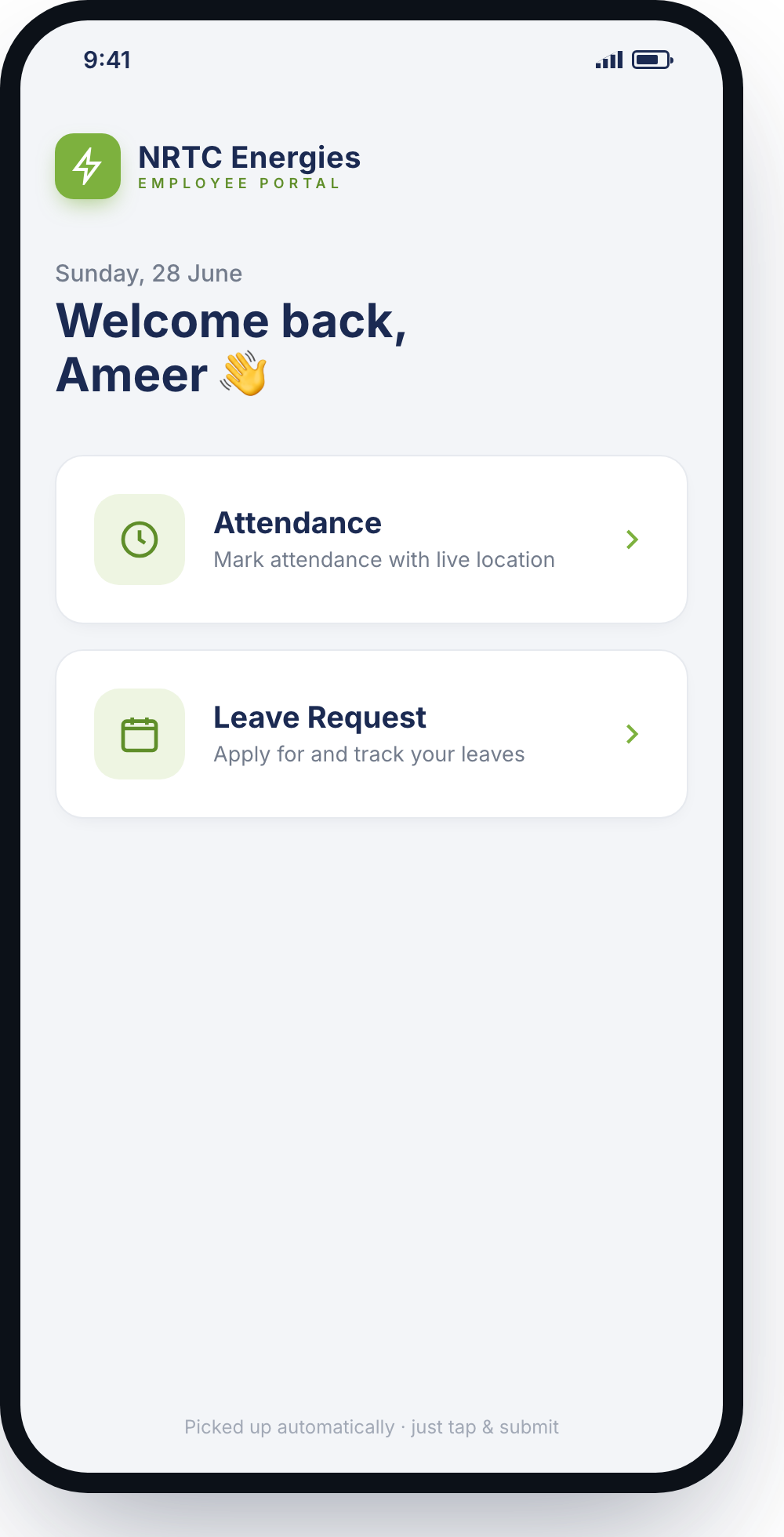
A clean form on the surface — a genuinely rigorous spend-control system underneath. Budget is enforced the moment a request is raised, approvals run through the right hands automatically, and every requisition carries a complete audit trail.
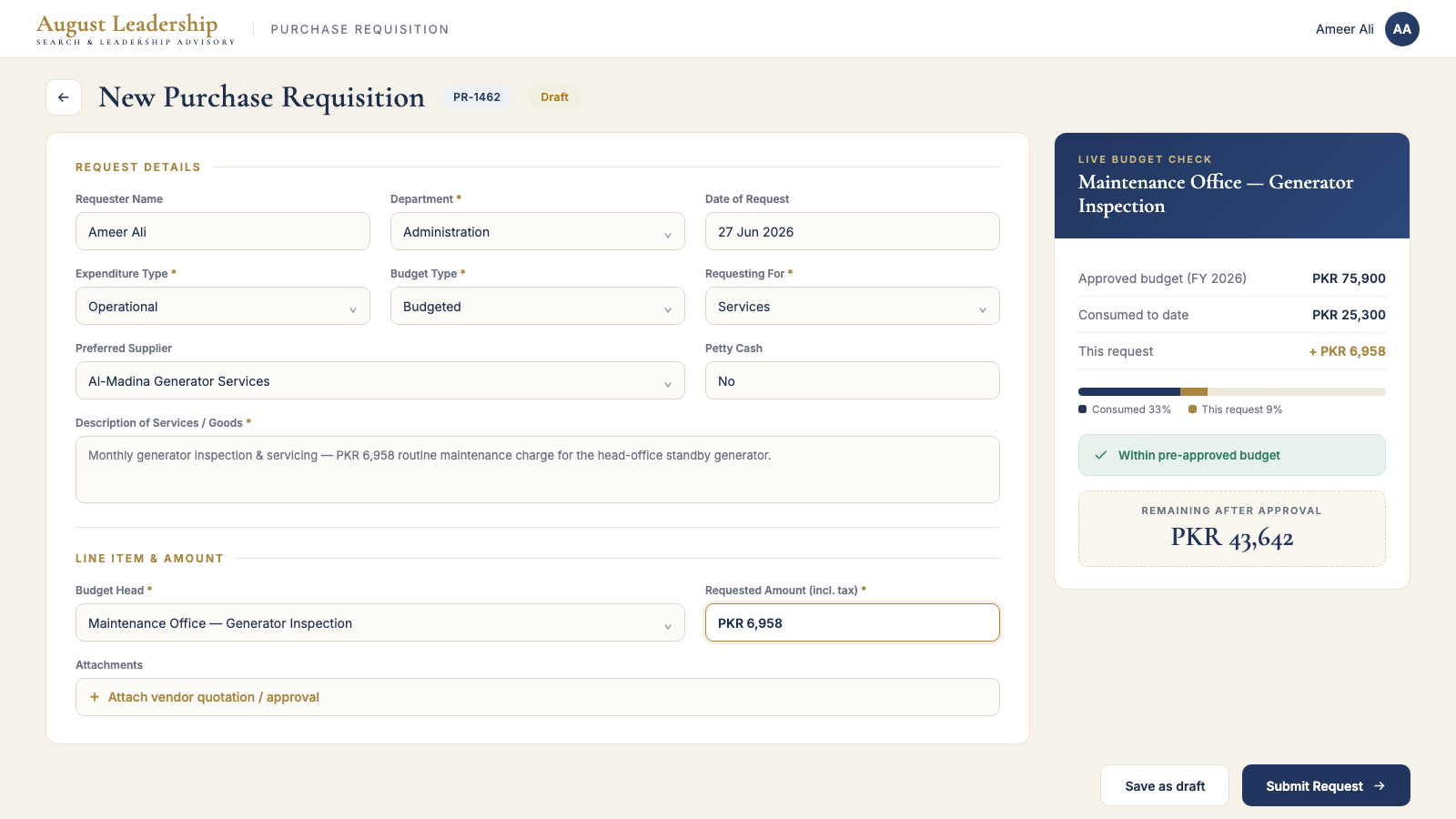
August Leadership needed every purchase to be captured, checked against its budget, and approved by the right people — with a record they could audit later. Approvals were happening over email and spreadsheets: slow, easy to skip, and impossible to reconcile at year-end. They wanted one governed process that made overspend structurally hard, not just discouraged.
A Power Apps canvas app with three role-based modes — raise a PR, bookkeeping, and review submissions. Every request is budget-checked at entry, routed through a multi-level approval in Power Automate, reconciled by finance, and stored in SharePoint with notifications firing at each hand-off.
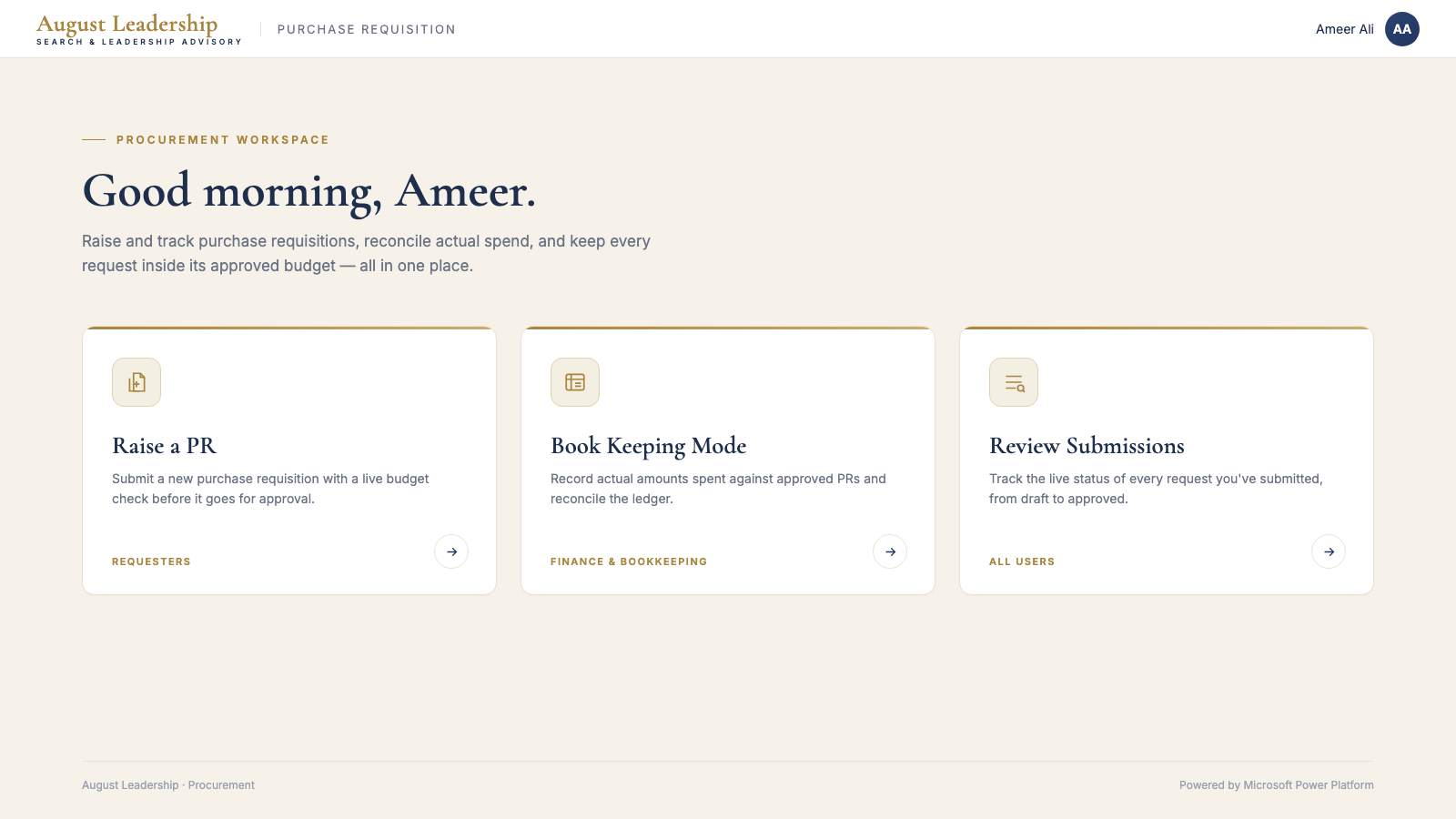
Each budget head carries an approved annual figure. The app keeps a running total of what's consumed, so for any request: Approved − Consumed = Remaining, calculated live as the requester picks a budget head. If the amount fits, it's flagged within budget; if it exceeds, the excess is auto-calculated and the request is tagged Exceeding Budget and escalated for extra sign-off — so nothing slips through unchecked.
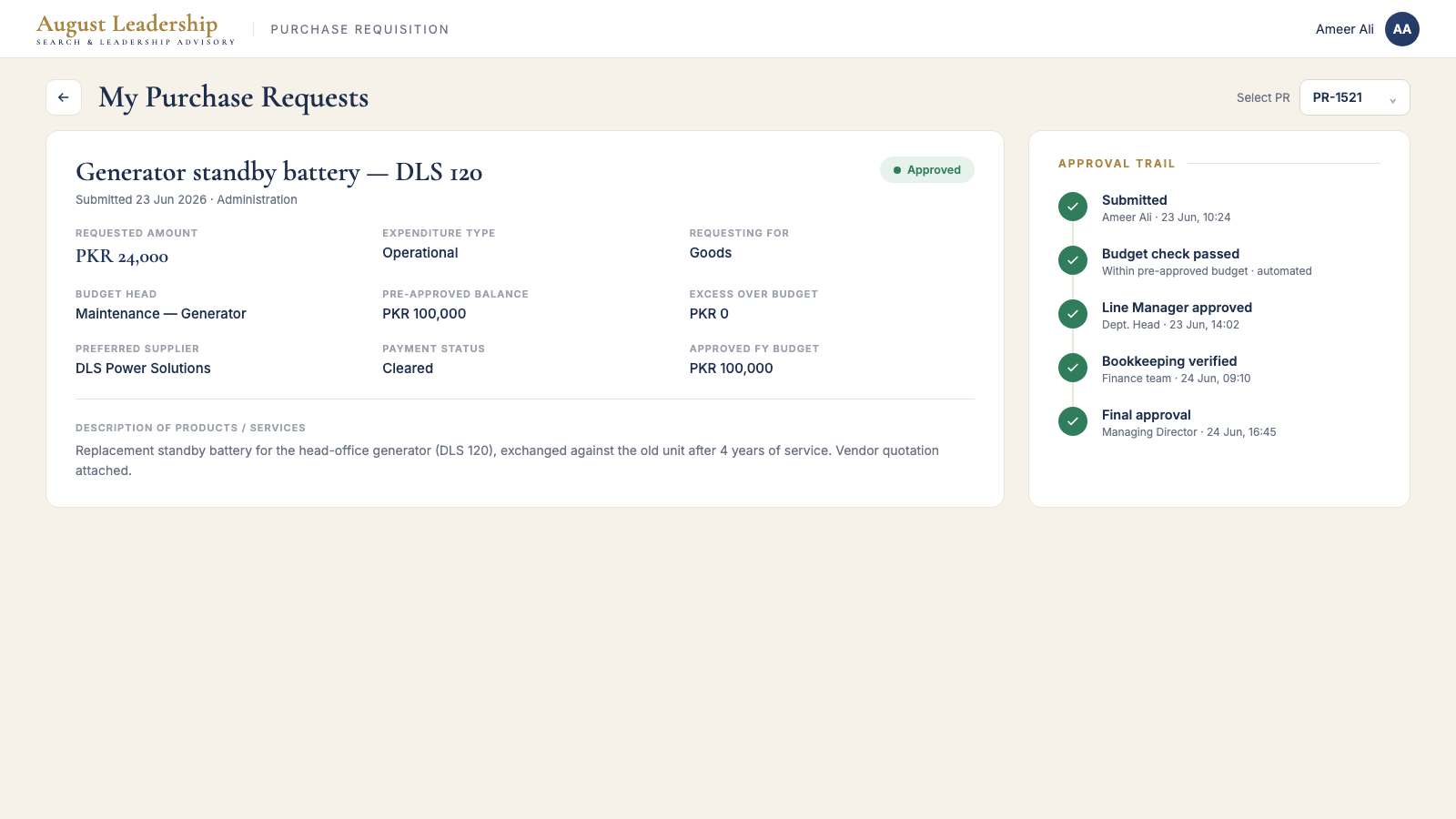
Submitting triggers a Power Automate flow that drives each PR through the chain: budget check → Line Manager → Bookkeeping verification → Final approval. Every stage records who, when, and any comments, producing a complete audit trail on each requisition. Any approver can reject or send back with a note, and the submitter is notified instantly.
Draft → Submitted → Pending Line Manager → Pending Bookkeeping → Pending Final Approval → Approved (plus Exceeding Budget, Rejected, and Reconciled). Colour-coded and visible to the submitter and every approver — so nobody has to ask "where's my request?"
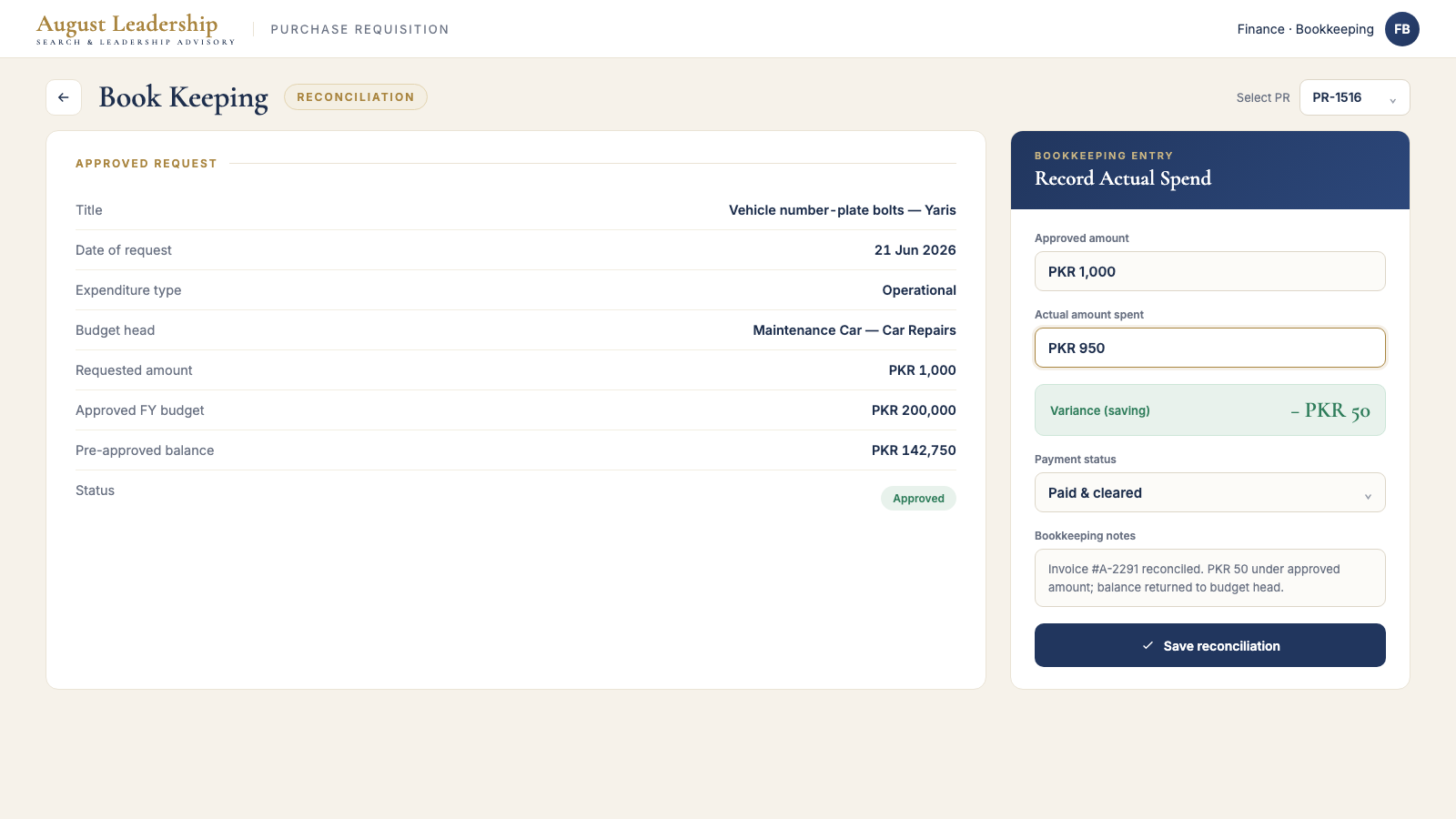
Approval isn't the end. Finance verifies the budget head, amounts and attachments before final sign-off, then records the actual amount spent against each approved PR. Any variance updates the budget head's consumed total, keeping every remaining balance honest rather than estimated.
At each hand-off, Power Automate sends an Outlook email and a Microsoft Teams adaptive card to the next approver — who can approve or reject without opening the app — and keeps the submitter updated on submission, each approval, and the final decision.
What looks like a clean form is a controlled spend-management system: budget enforced at entry, approvals automated end to end, finance reconciliation built in, and email + Teams notifications keeping everyone in sync — all on the customer's existing Microsoft 365, with no overspend and a full audit trail on every request.
If approvals, budgets, or requests are scattered across email and Excel, we can turn them into one governed Power Platform app on the Microsoft 365 you already pay for.
Start a project →